Building Production Voice AI: ElevenLabs IVR with Failover to Human
A working IVR application that routes inbound calls to an ElevenLabs voice agent with multi-transport failover, falls back to a human PSTN line, and surfaces every step in the call timeline. Full XML, trunk config, and SIP routing model included.
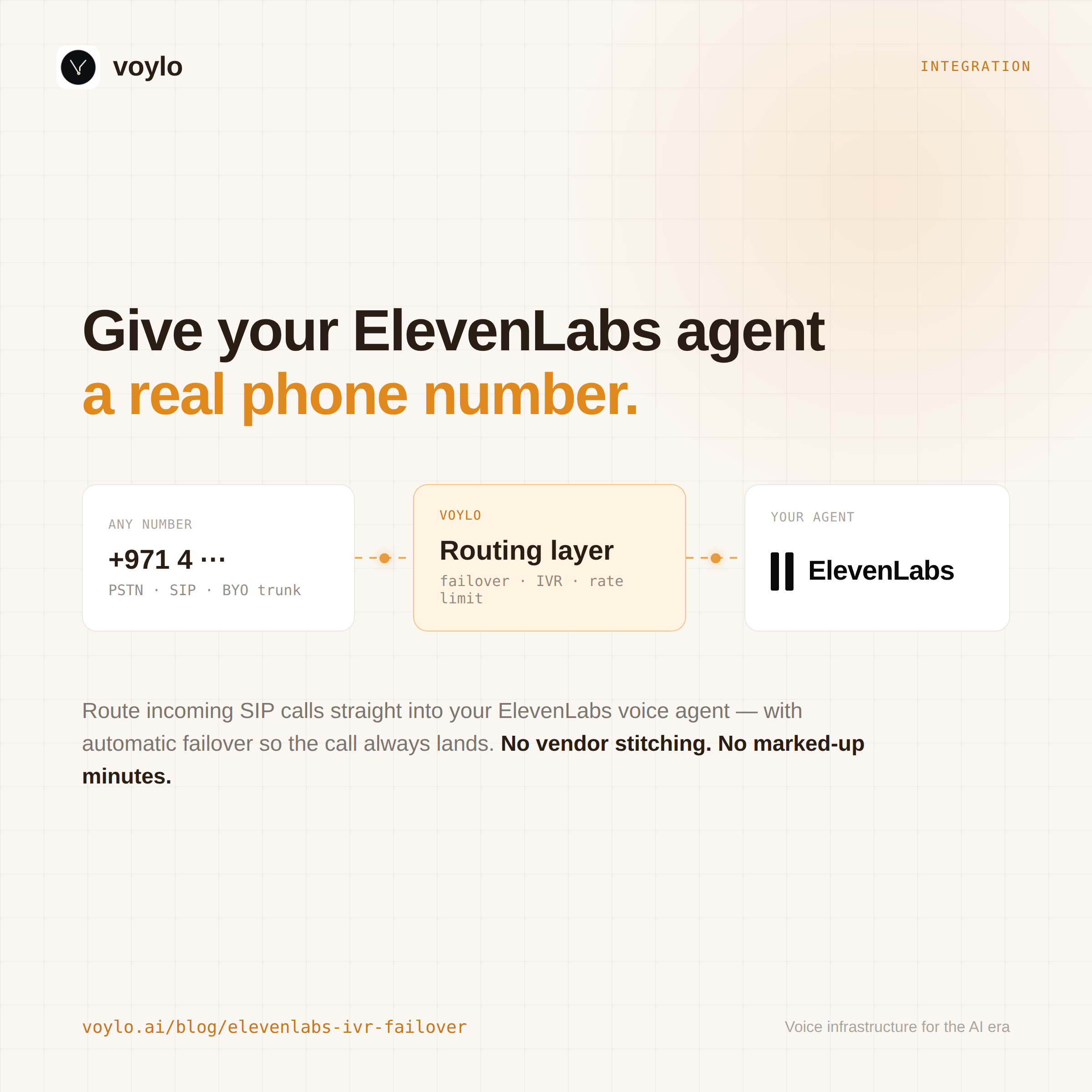
Every voice-AI demo we've seen ends with "and your agent picks up the call." Then you ship to production, your AI provider has a 15-minute outage at 2 a.m., and the call goes nowhere. There's no fallback. There's no IVR. There's no log telling the on-call engineer what just happened. The next morning the support team reads a customer's tweet calling your bot useless.
This post walks through an IVR that doesn't have those problems. It greets the caller, lets them pick AI or human, tries the AI through multiple transports before giving up, and falls through to a human PSTN line if the AI is genuinely unreachable. Every step appears in the call timeline so when something fails you can read what happened.
We use ElevenLabs as the voice agent because that's what most customers reach for first, but every line of this is provider-agnostic — swap the SIP URI and it works with Vapi, Retell, LiveKit, Pipecat, OpenAI Realtime, or a SIP endpoint you wrote yourself.
The architecture in one diagram
Inbound PSTN call
     │
     ▼
[Voylo DID] ──► [Application: IVR XML] ──► <Gather digit>
                                              │
                              ┌───────────────┼───────────────┐
                              ▼               ▼               ▼
                         press 1 (AI)   press 2 (human)   no input
                              │               │               │
                              ▼               ▼               ▼
                  [Inbound trunk: ElevenLabs]                AI default
                  Sequential failover through:
                      1. ElevenLabs agent (UDP)
                      2. ElevenLabs agent (TCP)
                      3. ElevenLabs agent (TLS)
                      4. Your SIP PBX / customer's number
                              │
                              ▼ (all destinations failed → fall through to:)
                       <Dial> to human PSTN
                              │
                              ▼ (human didn't pick up → final goodbye message)
                       Play & Hangup
Three primitives, one application. Once you understand how they compose, you can build any voice-routing application: time-of-day routing, multi-language IVRs, voicemail trees, escalation tiers, after-hours redirects. Same pattern, different decisions.
The three primitives
A Voylo IVR is always exactly these three things working together.
1. The phone number (DID)
A real E.164 number — rented from Voylo or imported from your own SIP carrier. Two fields on the number matter for an IVR:
inbound_application_id— points at the XML that decides where the call goesinbound_throttle_max_per_min— per-(caller, DID) rate limit. Runs before any verb executes; a blocked call costs zero AI minutes and zero channel slots. Configure abuse protection here, not in the XML
2. The inbound trunk
A named SIP destination with an ordered list of destination URIs. Voylo tries them sequentially, in order — first to answer wins. Failover triggers control when to move on:
on_sip_5xx: true— move to the next destination on any 5xx responseno_answer_after_ms: 8000— give up on the current destination after 8 seconds of ringingon_latency_above_ms: 1200— move to the next if SIP setup takes longer than expected
For an ElevenLabs IVR with belt-and-braces failover, configure the trunk like this:
| Order | URI | Why |
|---|---|---|
| 1 | sip:AGENT_ID@sip.rtc.elevenlabs.io | Primary — UDP, lowest overhead |
| 2 | sip:AGENT_ID@sip.rtc.elevenlabs.io;transport=tcp | TCP fallback for networks where UDP is filtered |
| 3 | sip:AGENT_ID@sip.rtc.elevenlabs.io;transport=tls | TLS fallback for transport-specific outages |
| 4 | sip:user@pbx.your-company.example | Last-resort: your own SIP PBX — routes to human agents |
This is real protection. The first three handle ElevenLabs being partially unreachable (UDP blocked, TCP overloaded, whichever). The fourth handles ElevenLabs being entirely unavailable.
3. The application (VoyloML)
The XML that runs when a call lands. It decides what to play, what input to collect, what to do based on the caller's choice, and how to react to dial outcomes.
The complete IVR application
This is the full XML. Substitute three placeholders before deploying:
ELEVENLABS_TRUNK_UUID→ the trunk's UUID from your consoleBYO_EGRESS_E164→ a workspace BYO number withoutbound_addressconfiguredHUMAN_PHONE_E164→ the human agent's phone
<?xml version="1.0" encoding="UTF-8"?>
<Response>
  <Gather numDigits="1" timeout="5" retries="2" bargeIn="true" action="#after-menu">
    <Play>https://voylo.s3.ap-south-1.amazonaws.com/welcome.wav</Play>
  </Gather>

  <Redirect>#route-ai</Redirect>

  <Flow id="after-menu">
    <Switch on="Digits">
      <Case value="1"><Redirect>#route-ai</Redirect></Case>
      <Case value="2"><Redirect>#route-human</Redirect></Case>
      <Default>
        <Play>https://voylo.s3.ap-south-1.amazonaws.com/invalid-digit.wav</Play>
        <Redirect>#main-menu</Redirect>
      </Default>
    </Switch>
  </Flow>

  <Flow id="main-menu">
    <Gather numDigits="1" timeout="5" retries="1" bargeIn="true" action="#after-menu">
      <Play>https://voylo.s3.ap-south-1.amazonaws.com/reprompt.wav</Play>
    </Gather>
    <Redirect>#route-ai</Redirect>
  </Flow>

  <Flow id="route-ai">
    <Dial inboundTrunkId="ELEVENLABS_TRUNK_UUID" action="#after-ai"/>
  </Flow>

  <Flow id="after-ai">
    <Switch on="DialStatus">
      <Case value="ANSWER"><Hangup/></Case>
      <Default>
        <Play>https://voylo.s3.ap-south-1.amazonaws.com/ai-failover.wav</Play>
        <Redirect>#route-human</Redirect>
      </Default>
    </Switch>
  </Flow>

  <Flow id="route-human">
    <Dial callerId="+BYO_EGRESS_E164" timeout="30" action="#after-human">+HUMAN_PHONE_E164</Dial>
  </Flow>

  <Flow id="after-human">
    <Switch on="DialStatus">
      <Case value="ANSWER"><Hangup/></Case>
      <Default>
        <Play>https://voylo.s3.ap-south-1.amazonaws.com/nobody-available.wav</Play>
        <Hangup/>
      </Default>
    </Switch>
  </Flow>
</Response>
About 50 lines. Every verb pulls its weight. Let's walk through the three patterns that make it actually robust.
Pattern 1 — <Flow id="…"> + <Redirect> for inline branching
Old-school TwiML-style IVRs require a callback URL — your server returns more XML based on the caller's input. That works, but it means an HTTP round-trip on every digit press, your server has to be highly available, and the call's behavior depends on infrastructure outside the voice provider.
Inline <Flow> blocks let the entire decision tree live in one document. No callbacks, no extra latency, no extra server to keep running. Switch between flows with <Redirect>#flow-id</Redirect>.
You still get to use action URLs when you need them (e.g. for genuinely dynamic decisions based on CRM lookups). But for most IVR branching, the inline pattern is faster and simpler.
Pattern 2 — <Switch on="DialStatus"> for post-dial decisions
This is the one most engineers miss.
<Dial inboundTrunkId="..." action="#after-ai"/>The action="#after-ai" is doing serious work. Without it, the verb after the Dial runs unconditionally — whether the dial succeeded, failed, was busy, or never reached the destination at all. If you write:
<Dial inboundTrunkId="..."/>
<Play>https://example.com/we-tried-but-failed.wav</Play>
…you're going to play "we tried but failed" after every single call, including the successful ones. Customers who just talked to your AI for ten minutes will hear "we couldn't reach our assistant" as they hang up. This is a real bug we shipped, fixed, and wrote about in our changelog.
With action="#after-ai", you get the dial's outcome as a parameter (DialStatus) and can branch on it:
<Flow id="after-ai">
  <Switch on="DialStatus">
    <Case value="ANSWER"><Hangup/></Case>
    <Default>
      <Play>https://example.com/we-tried.wav</Play>
      <Redirect>#route-human</Redirect>
    </Default>
  </Switch>
</Flow>
Now the failover audio only plays when the dial actually failed. Possible DialStatus values:
| Value | What happened |
|---|---|
ANSWER | Bridged successfully; conversation happened; b-leg hung up |
NOANSWER | Destination rang out without picking up |
BUSY | Destination busy |
CHANUNAVAIL | Couldn't reach destination at all (DNS, no agent mapped, network) |
CONGESTION | Carrier-level capacity issue |
CANCEL | Caller hung up before the destination answered |
For most IVRs, the "did the caller actually have a conversation?" distinction (ANSWER vs everything else) is all you need.
Pattern 3 — Failover at three layers
This IVR is robust because it has three independent failover floors, each fast enough to recover without the caller noticing:
- Trunk-level failover(configured on the trunk, not in the XML). UDP → TCP → TLS → backup SIP. The trunk dials each destination sequentially, moves on within 8 seconds (the trunk's
no_answer_after_ms). This is where most outages get absorbed. - Application-level failover (the
<Switch on="DialStatus">afterroute-ai). If the entire trunk's destination list is exhausted (every destination returned a non-ANSWER status), the application moves toroute-human. This is where complete provider outages get handled. - Final goodbye (the Switch after
route-human). If the human doesn't pick up either, the caller hears a clear message instead of getting silent-dropped. This is where customer experience gets protected even when everything went wrong.
You build resilient systems by stacking shallow recovery layers, not by hoping the primary path never breaks. A 99.9% AI provider × a 99.5% SIP carrier × a 99% human answering rate would otherwise compound to ~98.4% end-to-end. With layered failover, you get the best of each, which compounds the opposite way.
What the call timeline looks like
Every step appears in the call detail page in the Voylo console, with timestamps in milliseconds. A normal happy-path AI call:
0 ms       call.arrived       +caller → +DID · application
12 ms      verb.started       Gather
~5 s       gather.input       digits "1"
~5 s       verb.started       Dial · action=#after-ai
~5.1 s     dial.started       sip:AGENT@sip.rtc.elevenlabs.io · attempt 1
~5.4 s     dial.ended         status ANSWER · 312 ms
~5.4 s     call.answered      answered (dial)
~3 m       dial.ended (end-of-bridge) — caller and AI hung up
~3 m       call.ended         success
A call where ElevenLabs is unreachable but the human picks up:
0 ms       call.arrived
~5 s       gather.input       digits "1"
~5 s       dial.started       sip:AGENT@elevenlabs.io · attempt 1 (UDP)
~5.1 s     dial.ended         status CHANUNAVAIL · 137 ms
~5.1 s     dial.started       sip:AGENT@elevenlabs.io;transport=tcp · attempt 2
~5.3 s     dial.ended         status CHANUNAVAIL · 145 ms
~5.3 s     dial.started       sip:user@pbx.customer.example · attempt 4
~5.4 s     dial.ended         status CHANUNAVAIL · 98 ms
~5.4 s     flow.entered       #after-ai · DialStatus=CHANUNAVAIL
~5.4 s     switch.matched     DialStatus="CHANUNAVAIL" → default
~5.4 s     verb.started       Play ai-failover.wav
~9 s       verb.started       Dial human PSTN
~12 s      dial.ended         status ANSWER · conversation begins
When you're debugging at 2 a.m. and a customer is angry, this is the timeline you wish every framework gave you. It's also what makes incident reports easy to write — the answer to "what did the system do" is right there, per call, with the URIs that failed and the millisecond budgets each attempt consumed.
Testing the failover
Before you ship, prove every recovery path actually fires. Four test calls cover it:
| Scenario | What to do | Expected |
|---|---|---|
| Happy path | Press 1, talk to the AI | AI answers within ~1s; call timeline shows attempt 1 → ANSWER |
| AI partial outage | Temporarily replace destination 1 with a deliberately broken URI; press 1 | Trunk fails over to destination 2 within 8s, caller still reaches AI |
| AI total outage | Replace all AI destinations with broken URIs; press 1 | ai-failover.wav plays; human PSTN dial fires; caller reaches human |
| Everything down | Above + use an unreachable human number | nobody-available.wav plays; clean hangup, not silence |
Restore the real destinations after each test. The Voylo console's "Test call → Inbound" gives you a WebRTC softphone so you don't have to call from your cell phone every time.
Operating concerns
A few things to wire up in parallel:
- Webhook events. Subscribe
call.completedandcall.failedto a URL on your side. You get the same shape of data you see on the detail page, plus the call ID for cross-referencing. Useful for SLA tracking and incident detection. - Per-number rate limiting. Set
inbound_throttle_max_per_minbased on your AI provider's quota. A misconfigured caller or a small DDoS can otherwise burn through your ElevenLabs minutes in an hour. - Recording policy.If you turn on recording for the application, every call gets stored. Useful for QA, but check your jurisdiction's two-party-consent rules first.
- Trunk health monitoring.Voylo runs an OPTIONS qualify against each destination every 60 seconds. The trunk's health dot in the console tells you when a destination has been failing — you'll see issues before customers do.
Getting the underlying mechanics right
A few specific platform-side prerequisites that aren't obvious until you hit them:
sip:+number@sip.rtc.elevenlabs.io, they look up that exact +numberagainst their agent bindings. If the number isn't bound, you get CHANUNAVAILwithin 200ms. This is the most common cause of "the AI dial returns instantly with no error" — go to ElevenLabs dashboard → Conversational AI → <agent> → Phone Numbers and bind your DID there.callerId on a PSTN-mode <Dial>must be one of your workspace's BYO numbers AND that number must have a SIP carrier address in its config. Otherwise the dial fails with no useful error. The number config in the console shows this — if there's no "Outbound" section, the number is inbound-only and can't be used as callerId.The next layer
The pattern we've built scales. Same building blocks, different decisions:
- Time-of-day routing: wrap the AI dial in a
<Switch on="now-hour">that goes straight to the human path after 6 p.m. - Multi-language IVR:
<Switch on="from-country-code">chooses betweenwelcome-en.wav,welcome-ar.wav,welcome-fr.wavbefore the menu. - Department routing:
<Switch on="Digits">with more cases — 1 for sales, 2 for support, 3 for billing, each going to a different inbound trunk pointing at a different ElevenLabs agent. - Voicemail capture: if the human dial also fails, instead of "nobody available", run
<Record action="https://your-server/save-voicemail" maxLength="120"/>.
The pattern compounds. Once you're comfortable with Flow + Switch + Redirect + the action="#…" trick on Dial, every IVR is a recombination of what you saw above.
Reference
- VoyloML reference — every verb, every attribute, every value
- REST API — for outbound dial / programmatic call placement
- Source on GitHub — this post's complete app, ready to deploy
- Sign up for Voylo — free tier covers everything in this post
Free tier covers everything in this post. No credit card.